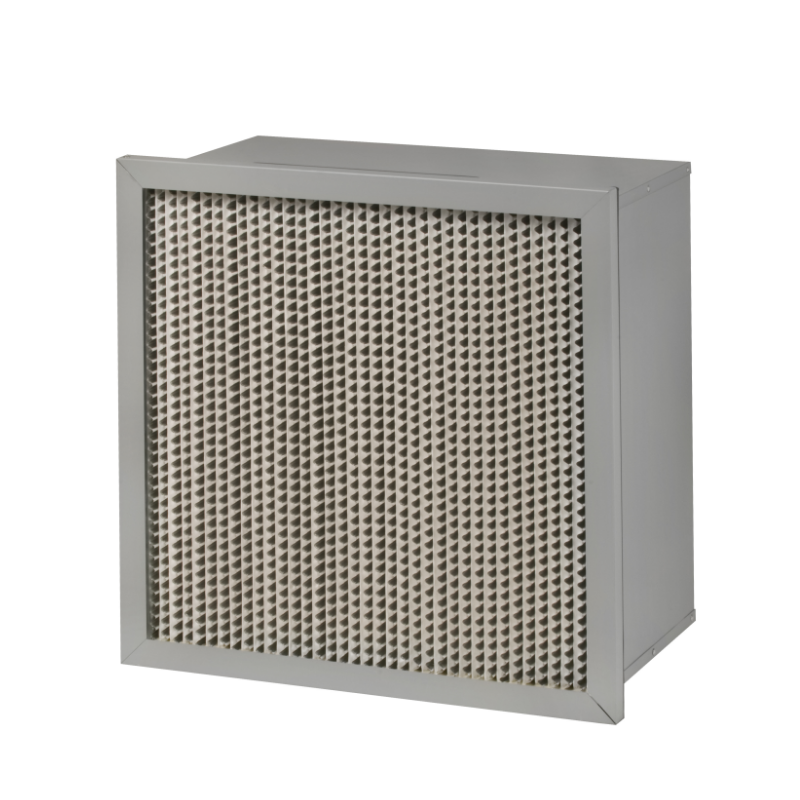
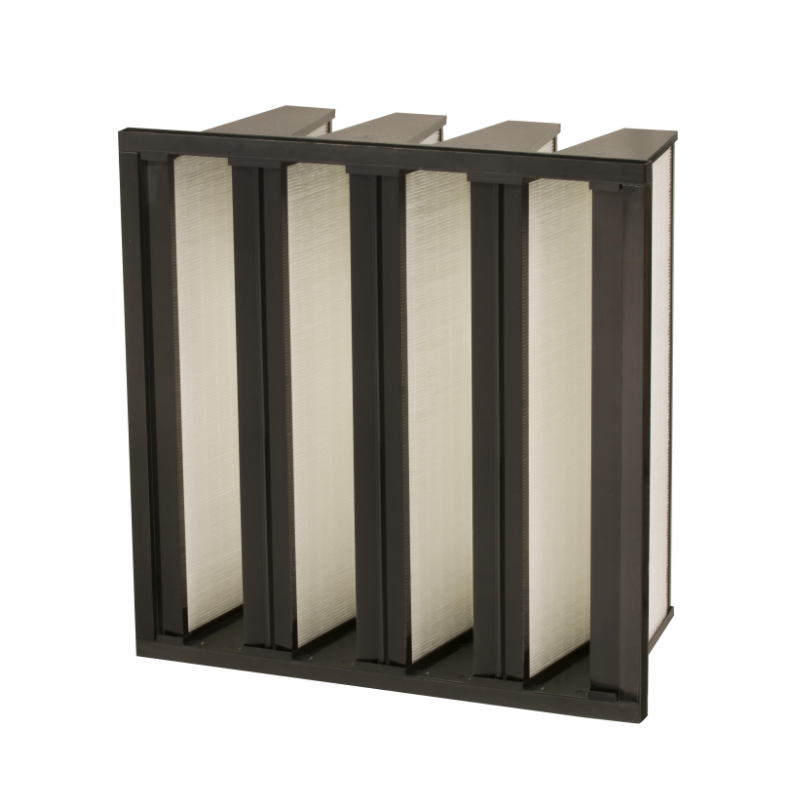
A HEPA mini-pleat filter can pass a bench efficiency test and still leak at the frame bond, the pleat pack edge, or the gasket line after installation. That is why an on-site aerosol scan is a installation check, not a repeat of the factory report. The test boundary should be agreed before anyone opens an aerosol generator. The boundary usually includes the filter, the frame seal, the housing gasket, and the downstream duct connection. If the scan starts at the filter face but ignores the housing, a leak at the clamp can be missed. ISO 14644-3 describes the general cleanroom test methods, and IEST-RP-CC034 gives practical guidance for HEPA and ULPA filter leak testing. Those references are useful because they force the test plan to state the challenge aerosol, the upstream concentration, the scan speed, the probe distance, and the acceptance limit. Without those four or five numbers written down, the scan becomes a visual ritual.
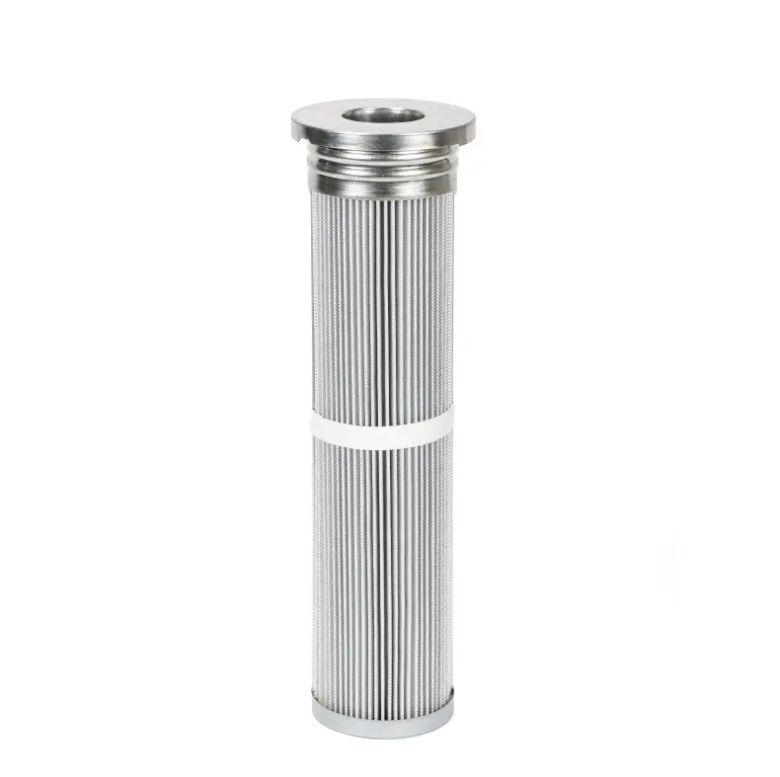
PAO and DOP are both acceptable challenge aerosols for photometer scanning when the site permits them. PAO, polyalphaolefin, is often favored because it is less oily and leaves less residue on the filter and duct surfaces. DOP, di-octyl phthalate, has a long history in filter testing but carries more restrictions in some regions and can leave a film that complicates later cleaning. The choice should come from the facility's EHS review, the photometer manufacturer's calibration, and the waste handling rules. A common mistake is to switch aerosols without recalibrating the photometer or checking the generator output. The photometer reads light scatter, so the aerosol must match the calibration curve. If the site uses PAO but the meter was calibrated for DOP, the numbers can drift. The table below shows the practical differences.
| Item | PAO challenge | DOP challenge | What to confirm |
|---|---|---|---|
| Residue on filter | Lower oily film | Higher oily film | Cleaning plan after test |
| Regional acceptance | Widely used | Restricted in some areas | EHS approval |
| Photometer calibration | Must match PAO | Must match DOP | Calibration certificate |
| Generator output | Stable, adjustable | Stable, adjustable | Upstream concentration |
| Scan speed | 2.5 to 5 cm/s typical | 2.5 to 5 cm/s typical | Site procedure |
The upstream concentration needs to be high enough for the photometer to see a leak, but not so high that the downstream reading saturates. A practical starting point is a challenge concentration that gives a stable upstream reading in the photometer's linear range, often around 10 to 100 micrograms per liter depending on the meter and the acceptance limit. The aerosol should be introduced upstream of the filter and allowed to mix. A short duct run with a baffle or mixing plate helps. If the challenge is injected right at the filter face, the concentration can be uneven, and a low reading may reflect poor mixing rather than a good seal. The scan should not begin until the upstream reading is stable for at least a minute. A fluctuating upstream number makes every downstream reading suspect.
The probe should be held close to the filter face, typically about 2.5 cm away, and moved in overlapping passes. The scan pattern should cover the frame perimeter, the pleat pack edges, the separator lines, and the gasket contact area. A mini-pleat filter has many narrow pleats, so a slow, steady pass along the pleat direction is more reliable than a fast zigzag. A common field setting is 2.5 to 5 cm per second. Faster than that and a small pinhole can slip under the probe. The downstream reading should be watched continuously, not sampled at the end of each pass. When a rise appears, the probe should stop and the spot should be marked. The acceptance limit is site-specific, but many HEPA installations use a leak threshold stated as a percentage of upstream challenge, often 0.01 percent. The exact number belongs in the test plan, not in a verbal handoff.
A leak reading is not automatically a filter defect. The source can be a housing gasket, a clamp, a damaged frame corner, or a pleat bond. The first step is to confirm the location with a slower probe pass and a small directional check. If the leak is at the gasket, reseating or replacing the gasket is the correct fix. If the leak is at the frame bond or pleat edge, a small amount of approved sealant can be applied, but the repair must be compatible with the filter materials and the process. A field case from a pharmaceutical fill suite in southern China showed the value of a second pass. The first scan moved too fast and showed a clean face. A slower scan at 2.5 cm per second found a pinhole at the pleat-to-frame bond. The repair was a small sealant bead, followed by a full retest of the repaired area and a perimeter check. The retest passed, but the lesson was that probe speed is part of the measurement, not a convenience.
The record should include the aerosol type, generator setting, upstream concentration, photometer calibration date, probe distance, scan speed, acceptance limit, leak locations, repair method, and retest result. A scan report without those details is hard to defend during an audit. The method also has limits. A photometer scan is a leak test, not a full efficiency test. It does not replace filter classification under EN 1822 or a system-level particle count. Very small leaks below the photometer's sensitivity can remain undetected. High humidity, reactive chemicals, and oily aerosols can affect readings. The scan should be performed by trained personnel with a calibrated meter and a written procedure. For projects that need consistent filter construction and batch traceability, Renhe's manufacturing base and quality control process can support the documentation side of this work, which often matters as much as the scan itself.
 Hot News
2026-11-13
2026-11-13
2026-11-13
2026-11-13
2026-11-13
2026-11-12
Renhe focuses on air filter cartridge, gas turbine air filter, Pleated Filter Media, industrial dust, Our main products have been recognized as high-tech products in Jiangsu Province, famous trademarks in Wuxi City, and CE certification.
NO. 31 Xingyuan Road, Jiefang Industrial Park, Gushan Town, Jiangyin City, Jiangsu Province, China (214414)
Copyright © 2024 Jiangsu Renhe Environmental Equipments Co., Ltd Privacy Policy
 EN